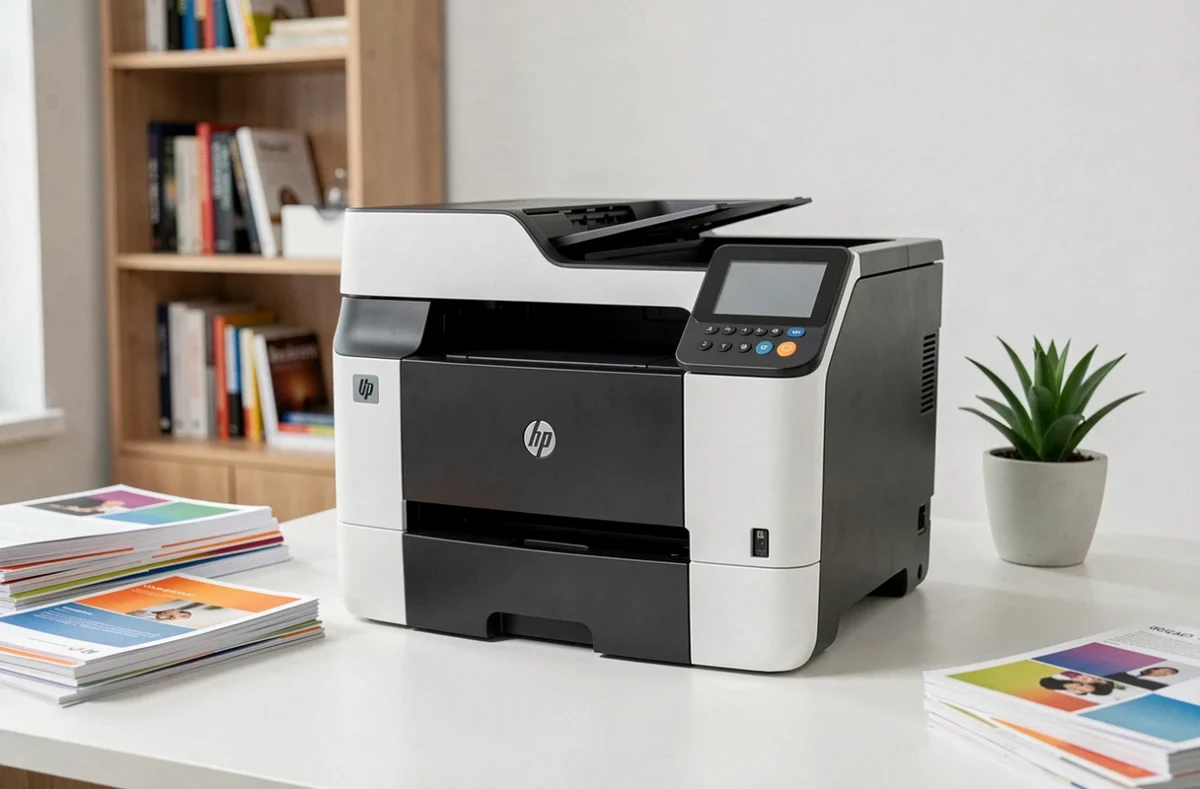
Printing a color document in the office, scanning a contract, photocopying a purchase order: with a laser multifunction printer, one machine handles all these everyday tasks. The HP Color LaserJet Pro MFP M277n ticks those boxes with a compact design made for small teams.
Its color laser engine delivers adequate resolution for letters and presentations, while Ethernet connectivity lets you share it on a local network without an additional adapter. But there’s a less obvious question that product listings don’t always address: when you buy this printer refurbished, does the total cost of ownership change the equation?
Compatible toner and firmware: the real costs to check
The purchase price of a printer accounts for only a fraction of its total cost. Over time, consumables make up the largest expense.
The M277n uses four color toner cartridges (cyan, magenta, yellow, and black) to power its laser engine. Their individual price leads many buyers to look for cheaper compatible toner cartridges.
This is where one mechanism deserves your attention. On several HP printer ranges, firmware updates (the machine’s internal software) can block cartridges fitted with a non-HP chip.
A compatible cartridge that worked the day before may therefore be rejected after an automatic update. This behavior is generally documented for some HP devices, although you should check the model’s documentation to confirm exactly how it applies to the M277n before buying third-party toner.
In practical terms, if you’re considering the HP Color LaserJet Pro MFP M277n refurbished, ask the seller which firmware version is installed and whether automatic updates have been disabled. This technical detail affects your freedom to choose consumables.
M277n or M277dw: two variants in the same range that shouldn’t be confused
You may have come across the M277dw while looking for information. Both machines share the same color laser engine and touchscreen. They differ in two specific features.
- Wireless connectivity: the M277dw has built-in Wi-Fi, so you can print from a laptop or phone without a network cable. The M277n is limited to USB and wired Ethernet.
- Automatic duplex printing: the “dw” variant flips the paper automatically to print on both sides. With the M277n, you have to turn each sheet over manually.
- The refurbished M277n is generally cheaper precisely because it lacks these two features. For a fixed workstation connected via Ethernet, the savings may make sense.
Before choosing, check HP’s official specifications to see whether your needs include Wi-Fi or automatic duplex printing. A wired office with low volumes of double-sided printing won’t benefit from the M277dw.
Buying refurbished: what to check before placing your order
Buying a refurbished printer lowers the upfront cost, but the M277n is from a generation that is no longer manufactured. A few checks can help you avoid unpleasant surprises.
Availability of spare parts and after-sales service
Retailer listings and HP’s user guide don’t document how often this model breaks down or how easy it is to find a replacement transfer roller or fuser kit. For a printer of this generation, the actual availability of parts determines its lifespan. Ask the seller which components they can supply and how long the warranty lasts.
Drum condition and page count
A refurbished printer may have printed a few hundred pages or several tens of thousands. Ask for a reading of the internal page counter. A high page count indicates significant drum wear, which can reduce color print quality even before the toner runs out.
A reputable seller will provide this information without hesitation. If they refuse or can’t provide it, consider it a warning sign.
Print resolution and practical office uses
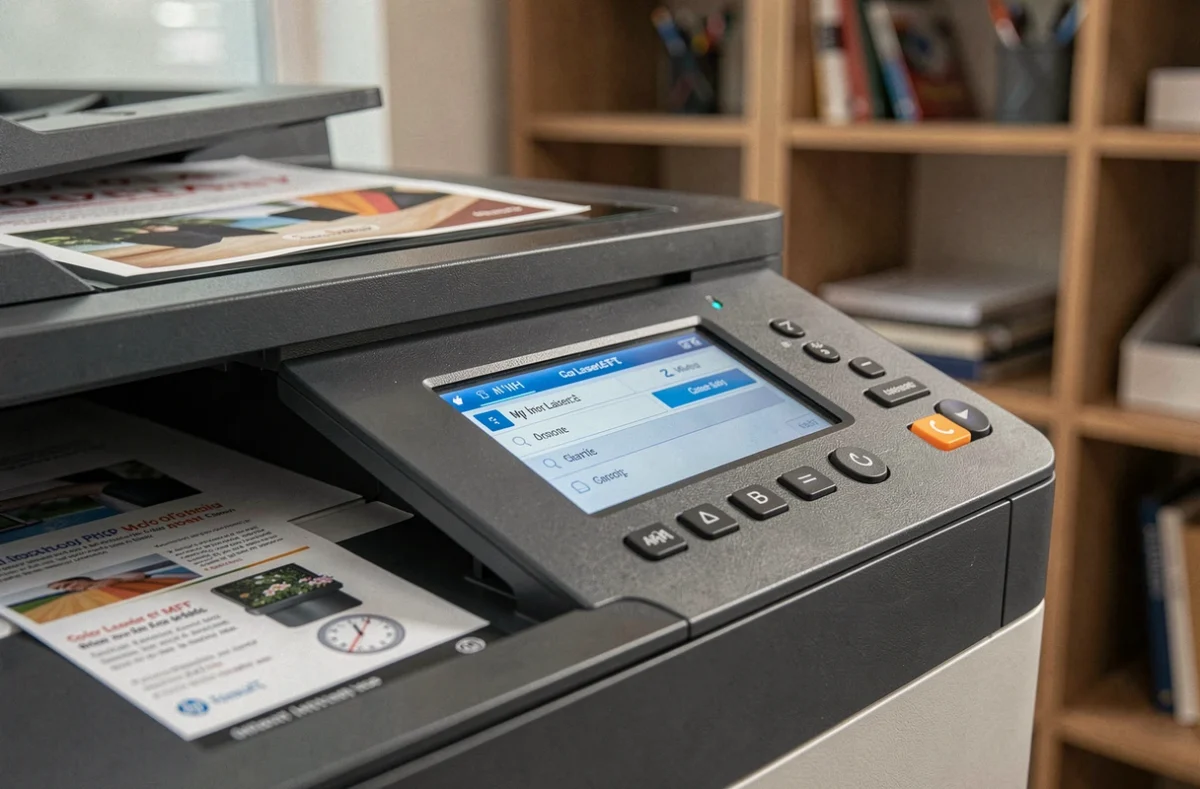
Laser resolution determines text sharpness and color accuracy: each dot makes up part of the image on the paper, and the more dots per inch, the finer the result.
Office documents (letters, tables, and presentation charts) come out perfectly legible on this type of laser engine. However, high-definition photos and detailed marketing visuals push its limits. For regular photo printing, an inkjet printer or a laser model with higher resolution will be a better fit.
Another practical point: the standard paper tray accepts regular A4 paper. For envelopes or thick paper, a multipurpose tray lets you load a few sheets at a time. The flatbed scanner captures color documents and supports a simple workflow, such as scanning to email or to a network folder via the Ethernet interface.
Is the refurbished M277n still worth buying?
The answer depends on a calculation that product listings rarely show. The refurbished purchase price may look attractive, but the total cost includes toner, wear parts, and the possibility of compatible cartridges being blocked. If you check the firmware version, consumable availability, and the printer’s mechanical condition, the M277n remains a functional color laser multifunction printer for a small office with a wired network.
Without these checks, you risk paying for a cheap printer that’s expensive to supply or repair. Toner costs more than the printer itself over its lifespan.